

Screen mirroring
Mirror an iPhone, iPad or Mac in real time at up to 60 fps, and in 4K with H.265 on 4K TVs with hardware HEVC decoding.
Cast it, it's there. Kick back with CastBay.
CastBay lets an Android TV, car display or tablet receive AirPlay screen mirroring, music and video from an iPhone, iPad or Mac, and the cast button in video and music apps (DLNA). With CastBay for PC, a Windows or Linux computer can cast its screen or a window too. Free, open source, no ads.
Version 1.10.2 · November 24, 2026 · What's new
For Android TVs, TV boxes, car displays and tablets on Android 6.0 or later
Also on: GitHub releases · Obtainium · F-Droid · What's the difference?
Designed for the big screen, with a remote or a touch screen: mirroring, music and video each get a screen made for them.
Mirror an iPhone, iPad or Mac in real time at up to 60 fps, and in 4K with H.265 on 4K TVs with hardware HEVC decoding.
A blurred-cover backdrop, optional scrolling lyrics and playback controls. Supports ALAC audio reception over AirPlay; the actual format and sound quality depend on the sender and audio output path. Explore in-car music and audio quality.
When an app casts a video, the TV plays it straight from the source, so your phone is free. Switch audio tracks and subtitles.
The cast button in apps like Bilibili, iQiyi, NetEase Cloud Music and QQ Music casts straight to CastBay, from iPhone and Android phones alike.
Press Down on the remote while playing, or tap a touch screen, for the quick menu: picture fit, playback stats (for mirroring, the phone's frame rate and network too), audio and subtitles, and for videos pause and skip. A steering wheel's media buttons pause and change tracks. Back twice ends a cast.
Choose who can cast: anyone, devices you allow on the TV, a PIN shown on the TV (as on an Apple TV) or a password. Block any device. No account, nothing collected unless you turn it on, fully open source.
In-car audio · Beyond Bluetooth
Let a compatible Android car display receive music from your iPhone over AirPlay. Add a Wi-Fi listening option without replacing your head unit.
An alternative to the SBC/AAC lossy audio path used by conventional iPhone Bluetooth connections. CastBay can receive ALAC lossless-encoded audio; the actual format depends on the sender and playback mode. Better sound than Bluetooth is not guaranteed.
View track information, album artwork and optional lyrics where supported. Availability depends on the music app, content sources and CastBay version; lyrics are not available for every track.
You need a compatible Android 6.0 or later head unit that permits third-party APK installation. Not all factory systems do; Android Auto or CarPlay support alone does not mean a system can run Android apps.
Before installing, check the device compatibility list.
Both devices need a shared Wi-Fi network that allows discovery and communication. Hotspot compatibility varies by phone and head unit; client isolation can block discovery. Separately check internet access if your music app needs online content.
Then choose CastBay in your iPhone’s audio output menu. Screen mirroring is not required for music playback.
No. CastBay provides music reception, not CarPlay navigation, phone calls or vehicle-system integration. It is also an option for compatible devices that can install Android apps but lack native CarPlay.
Install, pair and configure while parked. Do not operate the screen while driving.
Installation & connection guideScreenshots from a Sony TV.
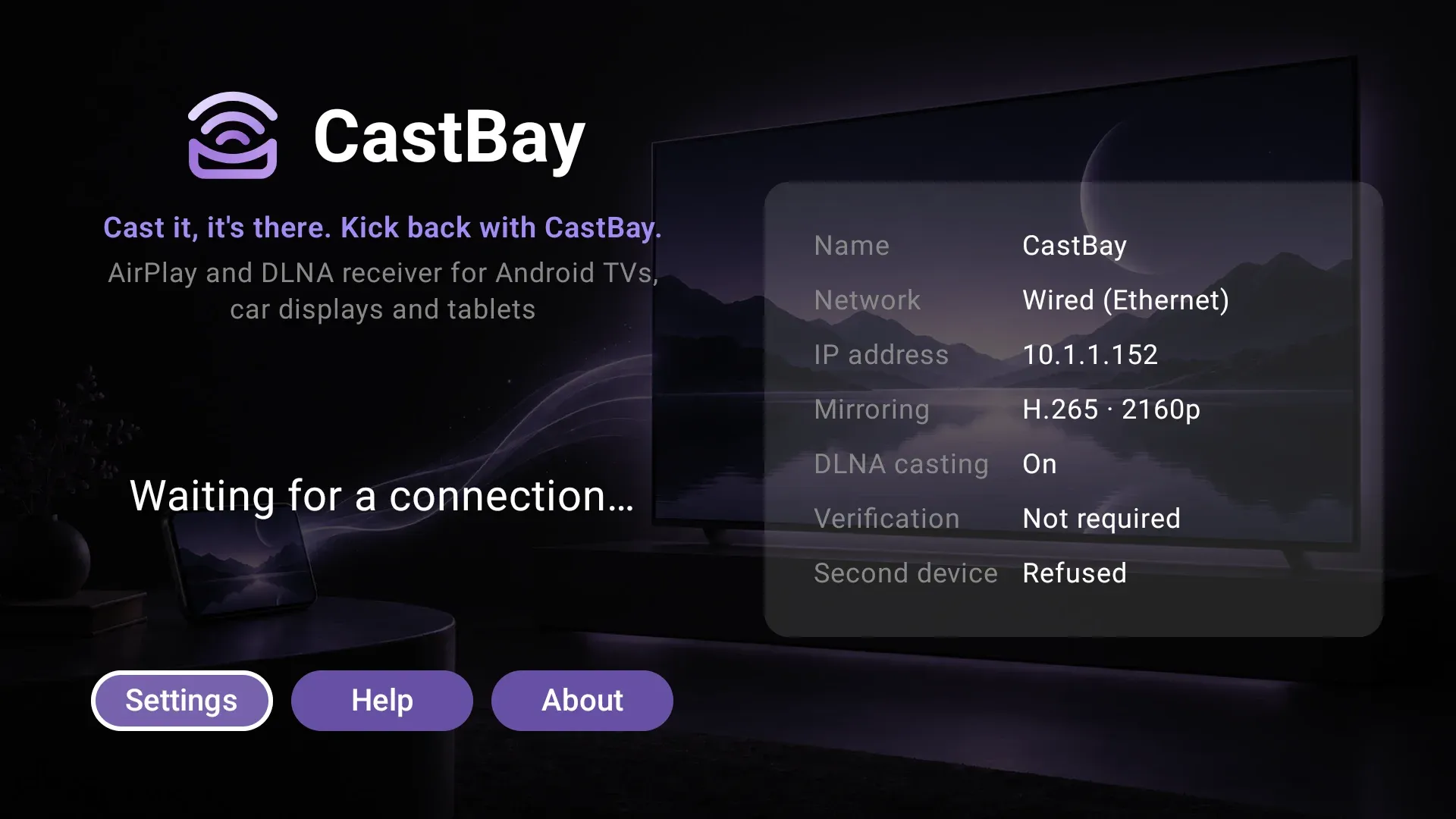
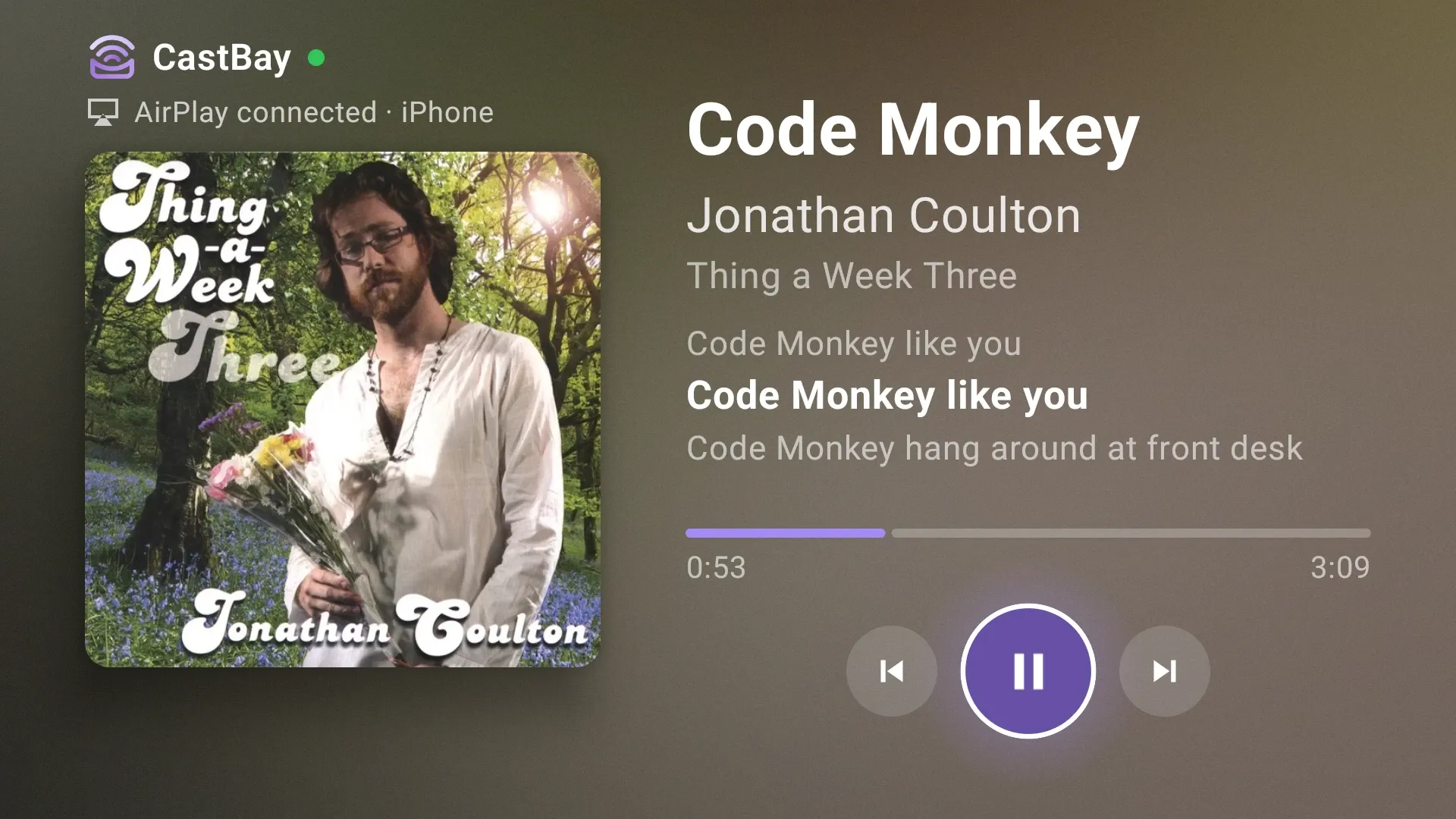
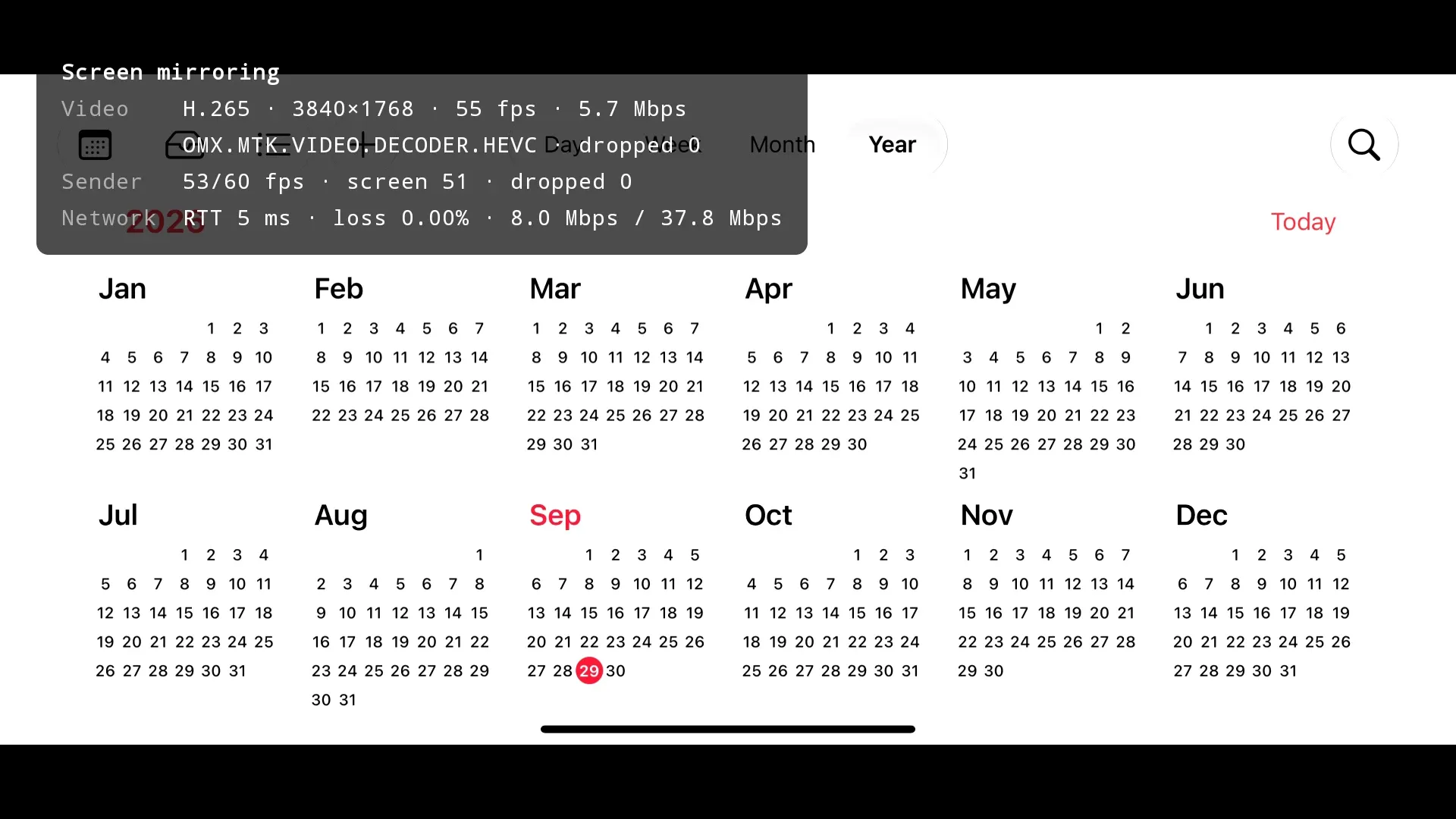
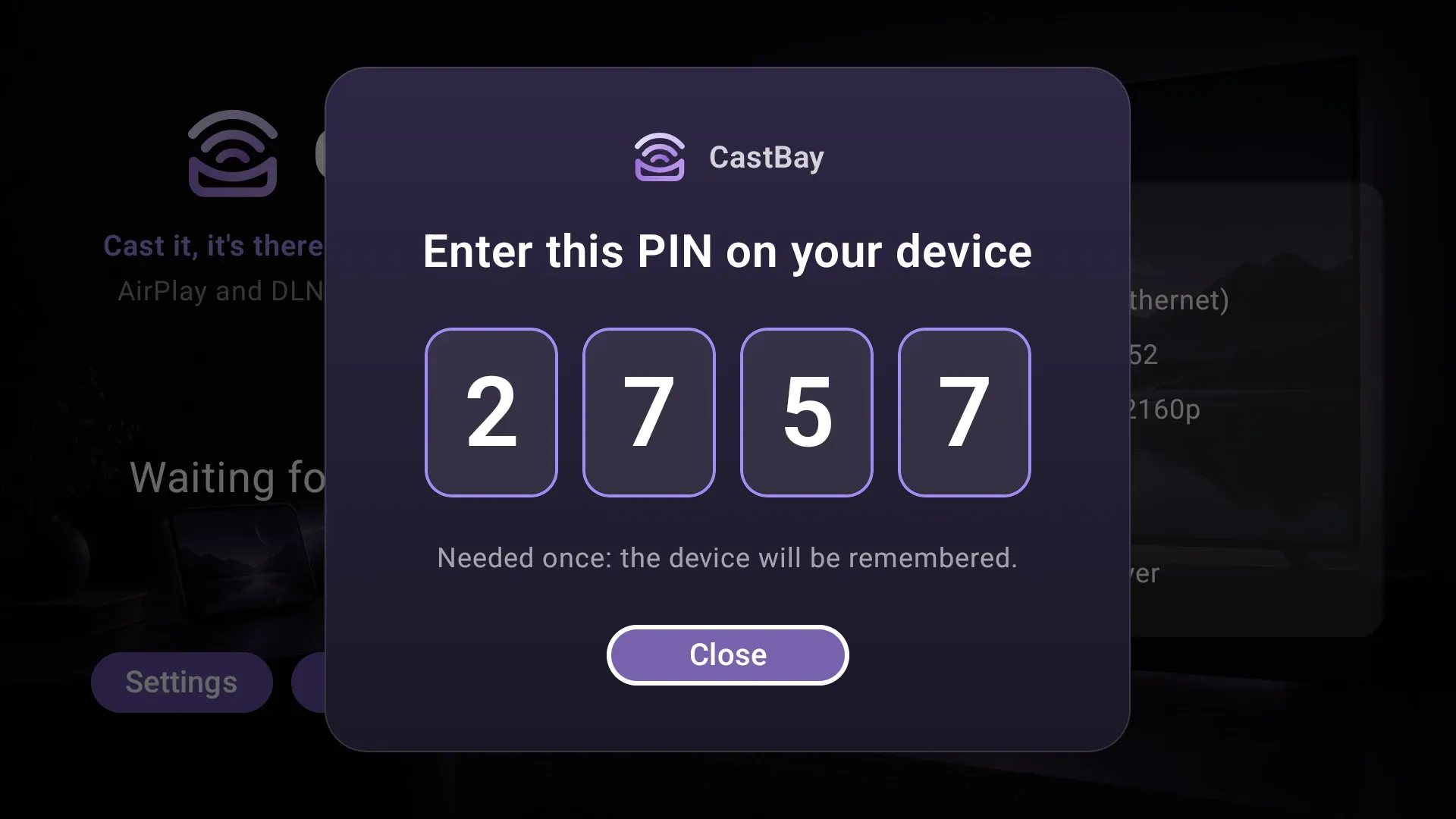
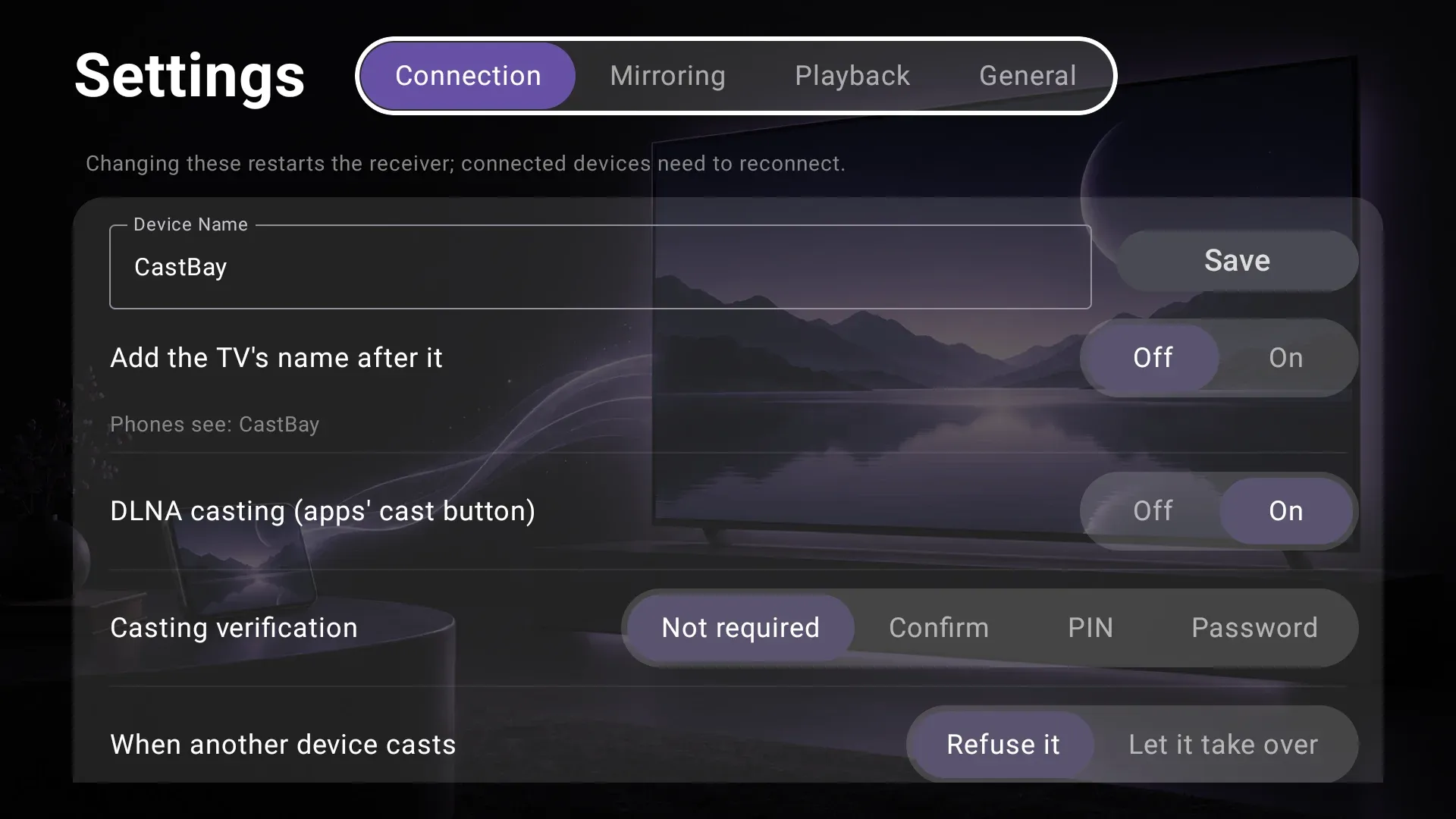
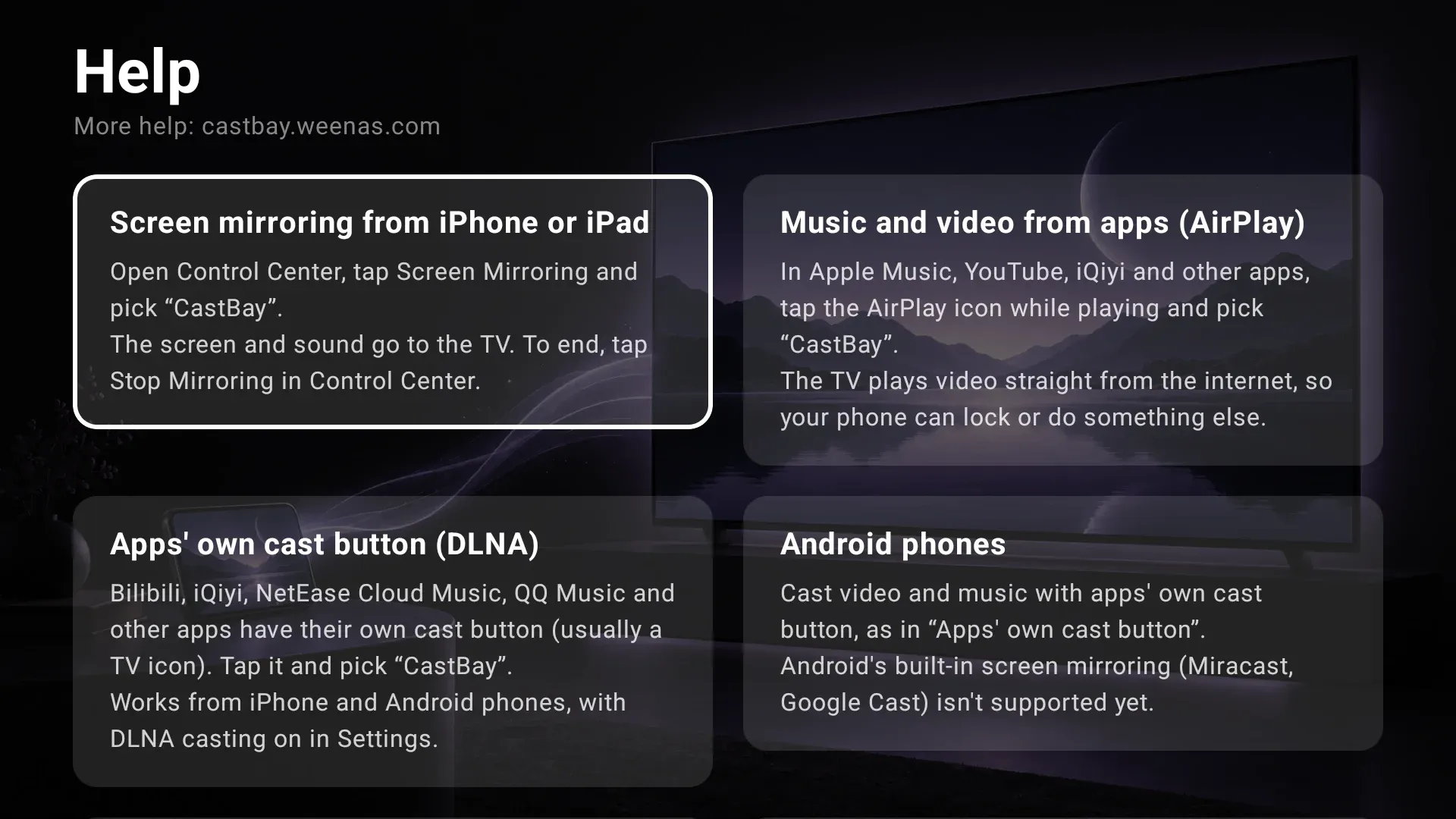
Three steps to your first cast. Your TV and phone need to be on the same network.
Download the CastBay APK from GitHub and install it from a USB drive or the TV's file manager.
It starts receiving as soon as it opens, and from then on it's ready whenever the TV turns on.
On an iPhone, choose Screen Mirroring in Control Center, or tap the AirPlay icon or cast button in an app, then pick "CastBay (your TV's name)".
Many apps support both; pick whichever suits you.
Android devices on Android 6.0 or later: TVs, TV boxes, car displays and tablets, worked with a remote or a touch screen. Tested on Xiaomi (Android 6), TCL (Android 9) and Sony (Android 12) TVs, a Google TV Streamer and a BYD car display; see the compatibility list.
Copy the APK to a USB drive, or open it with a file manager on the TV (ES File Explorer, for example). The first time, the TV may ask you to allow installing apps from unknown sources.
Make sure the TV and phone are on the same Wi-Fi and CastBay is open, waiting for a connection. Some routers enable "AP isolation", which stops devices finding each other; turn it off in the router's settings. Turning the phone's Wi-Fi off and on can also help.
Not unless you choose to. There's no account, no ads and no third-party analytics. Lyrics lookups, problem reports and anonymous usage statistics each send something only once you turn them on, and never names, titles or links in reports and statistics. See the privacy policy.
CastBay is open source: your feedback and testing make it work well on more TVs and cars.
Questions, ideas and device reports? Start in our GitHub Discussions welcome thread →
Report problems and suggest ideas on GitHub. In the app, About → Diagnostics uploads a log in one step: just give its report ID.
How to give feedback →Open source under GPL-3.0, built on UxPlay, libplist, Apple's ALAC decoder and Media3 ExoPlayer. The code, how to build it and every release are on GitHub.
github.com/weenas/castbay →Does CastBay work on your TV, box or car? Tell us the model and Android version, and save the next person the guesswork.
See the compatibility list →Subscribe to the changelog by RSS; on a tablet, Obtainium can also follow new releases on GitHub. CastBay on a TV checks for updates itself.
Subscribe by RSS →